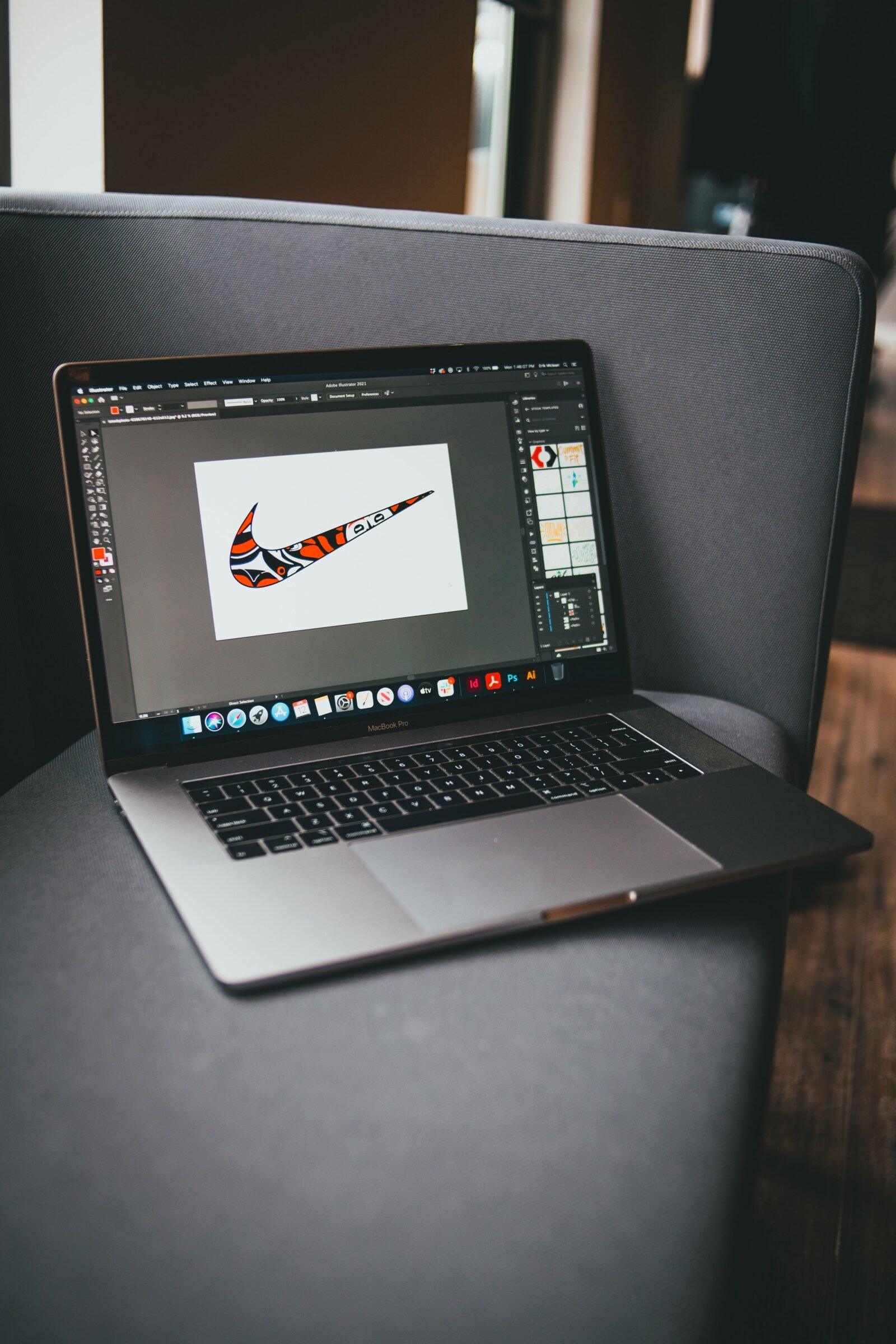
A practical look at logo makers built for small businesses, freelancers, and marketing teams that need a mark aligned with an existing brand identity, without hiring a studio.
Introduction
A logo carries more weight than its size suggests. It sits at the top of a website, on invoices, across social profiles, and inside email signatures, which means the tool used to make it shapes how a brand looks in dozens of places at once. The category of logo makers exists to close the gap between a rough idea and a usable mark, especially for people who do not have formal design training.
The audience for these tools is broad. It includes founders setting up a first business, marketers refreshing a visual system, and creators who want a consistent identity across channels. What connects them is a need for control over type, color, and layout, paired with a workflow that does not assume years of software experience.
Tools in this category tend to differ along a few lines rather than one. Some lean on large template libraries, some lean on automated generation, and some sit inside wider design suites that handle far more than logos. The presence of typography options, brand color controls, and flexible export formats often separates a tool that produces a quick graphic from one that produces a workable brand asset. Access to a deep font library, for example, can change how far a logo can be tailored to a specific identity.
Adobe Express is a reasonable place to begin for many of these needs. It combines a low barrier to entry with a feature set wide enough to cover common logo tasks, which is why it opens the comparison below. The tools that follow each address particular situations, and the sections describe where each one tends to fit.
Top Logo Makers of 2026
Best Logo Maker for Versatile Brand Work Across Formats
Adobe Express
Suited to non-designers and small teams who want one tool that handles a logo alongside the graphics that surround it.
Overview
Adobe Express is a browser and mobile app for creating logos, social graphics, flyers, and short videos. Its logo workflow gives access to a large type library through Adobe Fonts, a color and brand kit system, and a catalog of icons and shapes that can be arranged and adjusted directly on the canvas. For teams already touching other Adobe products, the shared asset model reduces the friction of moving a mark between projects. Those exploring free logo generator options will find both template-led starting points and manual editing in Adobe Express.
Platforms supported: Web, iOS, and Android.
Pricing model: Free plan with a paid Premium tier that unlocks additional fonts, assets, and export controls.
Tool type: General-purpose design and content app with dedicated logo capabilities.
Strengths
- Deep typography control through Adobe Fonts, which helps a logo match a defined brand voice.
- A brand kit that stores colors, fonts, and logos for reuse across later projects.
- Layout tools that allow manual adjustment of spacing, scale, and alignment rather than fixed templates only.
- Export in several formats, including transparent files suited to web and print placement.
Limitations
- The breadth of the app can feel like more than a single logo task requires.
- Some assets and fonts sit behind the paid tier.
- Fine vector editing is lighter than in dedicated illustration software.
Editorial summary
Adobe Express fits users who expect to create more than a logo over time. A founder who needs a mark today will likely need matching social banners and a presentation header next month, and the tool keeps those tasks in one environment.
The learning curve stays gentle for common actions. Placing type, swapping colors, and applying a saved brand kit follow a direct path, which lowers the effort for people without a design background.
The balance here leans toward flexibility without heavy complexity. It offers enough manual control to shape a logo carefully, while templates remain available for a faster start.
Compared with tools built purely around automated generation, Adobe Express asks for slightly more hands-on work and returns more control in exchange. That trade tends to suit users who want their logo to reflect specific typographic and color choices.
Best Logo Maker for Template-Led Design
Canva
A fit for users who prefer to start from a finished-looking layout and adjust from there.
Overview
Canva is a design platform known for a large template library that spans logos, social posts, documents, and presentations. Its logo path leans on ready-made layouts that users customize by changing text, colors, and elements. A drag-and-drop editor keeps the process approachable, and a brand feature stores identity assets for repeated use.
Platforms supported: Web, iOS, Android, and desktop applications.
Pricing model: Freemium, with a paid Pro tier for expanded assets and brand controls.
Tool type: Broad design platform with strong template coverage.
Strengths
- An extensive template catalog that shortens the distance to a first draft.
- A drag-and-drop interface that stays readable for newcomers.
- Wide format coverage beyond logos, useful for consistent marketing sets.
Limitations
- Template-based starts can produce marks that resemble other logos built from the same layout.
- Deeper manual typography control is narrower than in some alternatives.
Editorial summary
Canva appeals to users who value speed and a visual starting point. Rather than assembling a logo from scratch, a user edits an existing composition, which suits those who feel more confident adjusting than creating.
Workflow remains one of its defining traits. The editor is forgiving, and moving between a logo and a matching social graphic is straightforward.
The tradeoff sits in distinctiveness. Heavy reliance on shared templates can reduce how unique a mark feels unless a user reworks it substantially.
Set against Adobe Express, Canva places more emphasis on the template as the anchor, while Adobe Express keeps a similar template option but pairs it with a larger typographic toolkit.
Best Logo Maker for AI-Assisted Concept Generation
Looka
Aimed at users who want a set of automated concepts to react to rather than a blank canvas.
Overview
Looka uses an automated engine to generate logo concepts based on a company name, industry, and style preferences. A user reviews generated options, then refines colors, fonts, and layout within an editor. It also produces branded collateral built around a chosen mark.
Platforms supported: Web-based.
Pricing model: Purchase-based for logo files, with an optional brand subscription for wider assets.
Tool type: AI-driven logo generator with a refinement editor.
Strengths
- Rapid generation of multiple concepts from a short set of inputs.
- A guided path that suits users unsure where to begin.
- Collateral generation that extends a chosen logo to other items.
Limitations
- Automated output still requires review to avoid generic results.
- Editing control is narrower than in a full design suite.
Editorial summary
Looka fits users who respond better to options than to an empty editor. Seeing several directions at once can help someone identify a preference they could not describe in advance.
The process is quick and structured, which lowers decision fatigue for a first-time logo maker.
Its limits show in fine control. Users who want precise typographic adjustment may find the editor constrains them.
Relative to Adobe Express, Looka front-loads automation and offers less manual depth, positioning it as a faster starting point rather than a long-term design environment.
Best Logo Maker for Automated Brand and Business Setup
Tailor Brands
Suited to new business owners who want a logo bundled with wider setup tasks.
Overview
Tailor Brands generates logos through an automated flow and packages them alongside services aimed at people forming a company, such as business formation and related branding assets. The logo tool asks for preferences and returns editable concepts.
Platforms supported: Web-based.
Pricing model: Subscription-based, often bundled with business formation services.
Tool type: Automated branding platform with business setup features.
Strengths
- A combined path that links logo creation to broader launch tasks.
- Automated generation that requires little design input.
- Brand asset outputs that extend beyond a single logo file.
Limitations
- The business-service bundle may exceed the needs of users who only want a logo.
- Manual design control is limited compared with editor-first tools.
Editorial summary
Tailor Brands fits a specific moment: the early setup of a business, when branding is one task among many. Bundling logo creation with formation steps can reduce the number of separate services a founder juggles.
For users who want only a logo, that bundle can feel wider than necessary, which is worth weighing against the convenience.
Its automated approach keeps the design effort low, though it offers less room for detailed adjustment.
Compared with Adobe Express, Tailor Brands is narrower as a design tool but broader as a launch service, which defines the situations where it makes sense.
Best Logo Maker for Typography-Focused Automation
Brandmark
A fit for users who care most about type-driven marks and want algorithmic suggestions.
Overview
Brandmark generates logo options with a focus on typography and color pairing, drawing on an algorithmic approach. Users enter a name and preferences, then adjust generated results. It produces a logo package suited to common placements.
Platforms supported: Web-based.
Pricing model: One-time purchase for a logo package.
Tool type: Algorithmic logo generator with typography emphasis.
Strengths
- A generation engine tuned toward type and color relationships.
- A one-time purchase model rather than a recurring plan.
- Output packages prepared for several standard uses.
Limitations
- Editing latitude is narrower than in manual design apps.
- The style range may not suit brands seeking illustrative marks.
Editorial summary
Brandmark suits users whose identity leans on wordmarks and clean type rather than complex illustration. Its emphasis on type pairing can produce a coherent result quickly.
The one-time purchase model appeals to those who prefer to avoid a subscription for a single asset.
Its constraint is flexibility, since deep manual control is limited by design.
Next to Adobe Express, Brandmark trades broad editing for a focused, type-led shortcut, which positions it as a specialized option.
Best Companion Tool for Putting a Logo to Work Across Social Channels
Buffer
Included as a complement rather than a logo maker, for users who want to deploy a finished mark consistently across social profiles.
Overview
Buffer is a social media management and analytics tool. It does not create logos. Instead, it helps schedule posts, manage multiple profiles, and review performance, which becomes relevant once a logo and brand assets are in place. A consistent profile image and visual identity across channels is part of how a logo earns recognition, and Buffer sits in that stage of the workflow.
Platforms supported: Web, iOS, and Android.
Pricing model: Freemium, with paid tiers for more channels and analytics.
Tool type: Social media scheduling and analytics platform.
Strengths
- Scheduling across several social accounts from one place.
- Analytics that show how branded content performs over time.
- A queue system that supports consistent posting rhythm.
Limitations
- No logo or graphic creation features.
- Advanced analytics sit in higher tiers.
Editorial summary
Buffer belongs to the stage after a logo exists. A mark only builds recognition through repeated, consistent exposure, and scheduling tools handle that repetition.
For a small team, managing several profiles by hand is time-consuming, and a management tool reduces that load.
Its role is narrow by intent. It complements a logo maker rather than competing with one, which is why it appears here as a workflow partner.
Placed beside the design tools above, Buffer occupies a different part of the process entirely: not making the mark, but carrying it into the channels where an audience encounters it.
Frequently Asked Questions
What makes a logo maker user-friendly for someone without design training?
Ease of use in this category usually comes down to a few traits working together. A clear editing surface, sensible defaults, and the ability to adjust one element at a time all lower the barrier for a first-time user. Tools that pair a template or generated starting point with straightforward controls for text, color, and placement tend to feel more approachable than those that assume familiarity with vector editing. Guided flows also help, since they narrow the number of decisions a user faces at once. The most approachable tools reduce the distance between an idea and a usable file without hiding the controls that allow later refinement.
How do design elements like fonts shape logo customization?
Type is often the single largest factor in how a logo reads, so access to a broad font library can widen how far a mark can be tailored to a brand identity. Some tools connect to large collections, such as Adobe Fonts within Adobe Express, which gives a user many typographic directions to test against a brand’s tone. Color controls, icon and shape libraries, and spacing adjustments layer on top of type to define the final look. A tool with limited font choices constrains how distinct a wordmark can become, while one with deep type options and adjustable layouts supports a closer match to an existing visual system.
Can a non-designer produce a logo that genuinely reflects a brand identity?
It is achievable, though the outcome depends on both the tool and the clarity of the brand behind it. When a user already has a sense of the brand’s tone, audience, and color preferences, a customizable logo maker can translate those inputs into a coherent mark. Tools that store brand colors and fonts help maintain consistency across later assets, which reinforces identity over time. The main effort for a non-designer lies in making deliberate choices rather than accepting the first generated option, since a small amount of manual adjustment often separates a generic result from one that feels specific to the brand.
What is the difference between AI logo generators and manual editors?
Automated generators, such as Looka, Tailor Brands, and Brandmark, produce concepts from a short set of inputs, which suits users who prefer to react to options rather than build from nothing. Manual-leaning tools, including Adobe Express and Canva, give more direct control over each element and often support both a template start and hands-on editing. The practical difference is where the effort sits. Generators reduce upfront decisions but offer narrower refinement, while editors ask for more involvement and return more control. Many workflows blend the two, using a generated or template starting point and then adjusting type, color, and layout by hand.
How much does export flexibility matter when choosing a logo maker?
Export options carry real weight because a logo appears in many contexts with different technical needs. A transparent file suits placement over colored backgrounds and website headers, while high-resolution and vector-style outputs matter for print and large formats. Tools that support several file types give a mark more places it can live without quality loss. Access to Adobe Fonts and other design elements shapes the design stage, but export flexibility determines how usable that design becomes afterward. Checking which formats a tool provides, and whether any sit behind a paid tier, helps align the choice with where the logo will actually be used.