Online gaming has always been my favorite way to unwind, but over time I noticed my matches weren’t as enjoyable as they used to be. The problem wasn’t that my games refused to run—they did. The frustrating part was the random lag that always seemed to appear at the worst possible moment.
Sometimes my character would freeze for a second during an important fight. Other times my ping would suddenly jump, making every movement feel delayed. At first, I blamed my internet provider, but after experiencing the same problem across different games, I realized there had to be another reason.
I Decided to Investigate Before Spending Money
Like many gamers, my first thought was upgrading my PC.
I started browsing new hardware online, convinced that better components would solve everything. Before placing an order, though, I spent some time checking how my computer was performing during gameplay.
That simple decision changed my perspective.
I found several unnecessary programs running quietly in the background. Automatic updates, cloud storage, messaging apps, and other services were all sharing system resources while I was trying to play online.
Trying a Game Booster
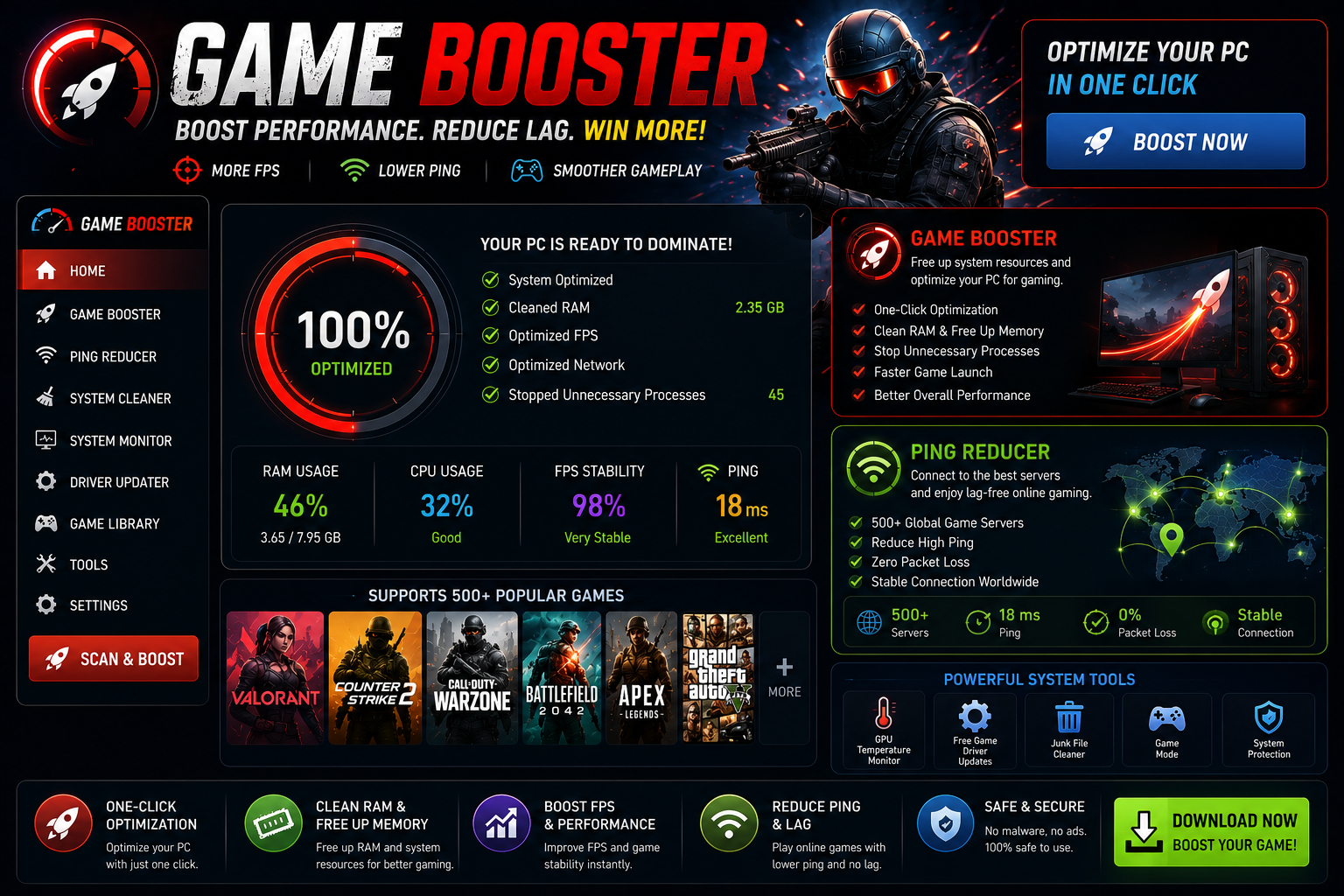
After reading about different optimization tools, I decided to install a Game Booster.
What appealed to me wasn’t the promise of magically increasing performance—it was the idea of reducing unnecessary background activity before launching a game.
Instead of manually closing every application, the software handled much of the work automatically.
After a few gaming sessions, I noticed that my PC felt more responsive. Games launched faster, loading times seemed shorter, and switching between menus became smoother.
Most importantly, I wasn’t constantly wondering what was slowing my system down.
Why Ping Matters More Than I Thought
While smoother gameplay helped, I still experienced occasional delays during multiplayer matches.
That’s when I started paying attention to network performance instead of only looking at graphics settings.
I learned that even a powerful gaming PC can’t provide a smooth online experience if network latency keeps changing throughout a match.
This led me to explore a Ping Reducer.
What a Ping Reducer Helped Me Improve
A Ping Reducer doesn’t create a faster internet connection, but it can help optimize how network traffic is handled.
After using one during several online sessions, I noticed fewer sudden ping spikes than before.
The biggest improvement wasn’t seeing dramatically lower ping numbers—it was enjoying a more stable connection throughout an entire match.
That consistency made online games feel much more responsive, especially during competitive play where every second matters.
My Gaming Routine Changed Too
Software wasn’t the only improvement I made.
I also started following a few simple habits before launching any online game.
Now I always:
- Close unnecessary background applications.
- Restart my router occasionally.
- Keep Windows and network drivers updated.
- Pause large downloads while gaming.
- Use a wired connection whenever possible.
These small changes worked well alongside both the Game Booster and Ping Reducer.
The Results After Several Weeks
After using these optimizations consistently, I realized something important.
My gaming experience wasn’t perfect every single day because online performance still depends on game servers and internet quality.
However, I experienced:
- More stable gameplay.
- Fewer unexpected lag spikes.
- Faster game loading.
- Better responsiveness during online matches.
- Less frustration during competitive gaming.
Those improvements made a noticeable difference without requiring expensive hardware upgrades.
Final Thoughts
Looking back, I’m glad I didn’t rush into buying a new computer. My biggest gaming problems weren’t caused by outdated hardware but by unnecessary background activity and inconsistent network performance.
Using a reliable Game Booster helped my PC dedicate more resources to gaming, while a dependable Ping Reducer contributed to a steadier online connection during multiplayer sessions. Combined with a few simple maintenance habits, these changes made my gaming experience much smoother than I expected.